Everkeep vs Tinybeans: the key differences
We can only speak for Everkeep. For Tinybeans’ current features, plans and prices, check its own site; here is where Everkeep stands on the things worth comparing.
| What to compare | Everkeep |
|---|---|
| Where memories live | On your phone. No account and no social feed. |
| Price | Keeping pages is free and stays free. Everkeep Pro is $9.99 once. |
| Family viewing | No shared feed. You share single pages through your own messaging apps, or send the printed PDF. |
| Ads | None. |
| Voice | Voice notes are pages of their own, and can be written out as text on your phone. |
| Keepsake | A printed book as a PDF you print anywhere, and month films (Everkeep Pro). |
| Offline | Works offline. |
| Your data | Save a backup file whenever you like and keep it wherever you trust. |
The honest trade-off: a shared family album is a sharing product, and Everkeep is a keeping product. If your priority is a live feed for a large family group, Everkeep does not do that. If your priority is that your child’s memories stay on your phone and cost a fixed amount, Everkeep is built for that.
Moving from Tinybeans to Everkeep
Everkeep does not connect to Tinybeans, so the move is manual, but it is straightforward: get your photos out of Tinybeans onto your phone, then bring them into Everkeep. Importing is free, and Everkeep files each photo under your child’s age on the day it was taken.
Download your photos before you close the other account.
How to switch from Tinybeans to Everkeep
Allow an evening for a year’s worth of photos; new memories take seconds from then on.
- Download your Tinybeans photosUse whatever download or export option Tinybeans offers to save your photos and videos to your phone (or to a computer, then to your phone).
- Install EverkeepGet it free on Google Play or the App Store and open a book with your child’s name and birthday.
- Import from your photo libraryEverkeep reads each photo’s date and files it under your child’s age that day. Pictures that lost their date on the way wait in an Undated chapter until you place them.
- Add the words that matterYou do not need to caption everything. Add stories to the pages you would want in a printed book.
- Tell the family how sharing works nowInstead of a feed, you will send chosen pages through the messaging apps you already use, and a printed book at year end.
- Back up Everkeep, then close the old accountOnce your photos are safely in Everkeep, save a backup file off your phone. Then decide what to do with the other account.
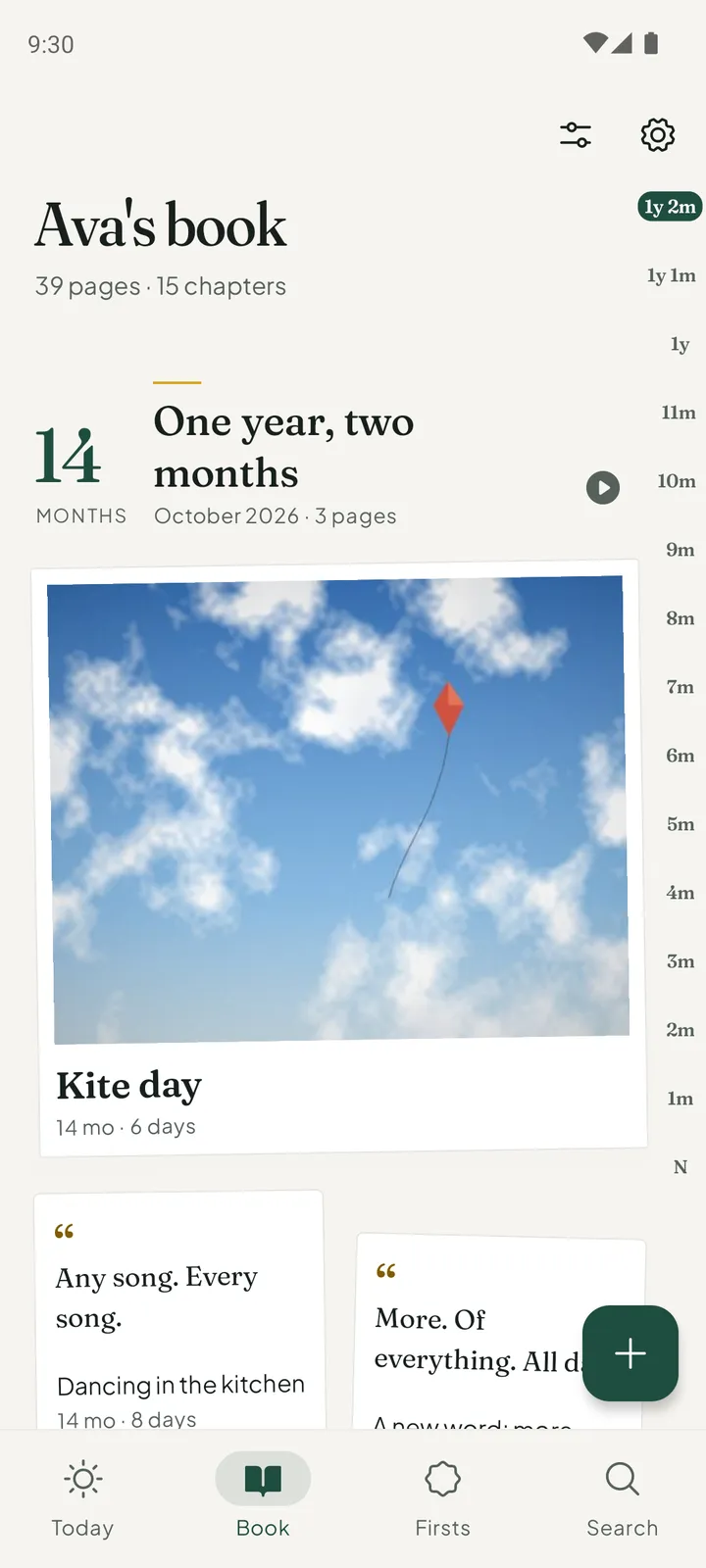
Own your baby's memories againNo feed, no ads, no yearly plan. Everkeep is free on Android and iPhone; Pro is $9.99 once.
Tinybeans alternative FAQ
Can Everkeep import directly from Tinybeans?
No. There is no connection between the apps. Save your photos from Tinybeans to your phone, then import them into Everkeep, which reads their dates.
How will grandparents see new photos without a feed?
You share the pages you choose through the apps they already use, and send the printed PDF at milestones. Nothing sits on a platform in between.
Is Everkeep affiliated with Tinybeans?
No. Tinybeans is a trademark of its owner. Everkeep is an independent app by Deximo Apps. This page describes Everkeep; for Tinybeans’ current features and prices, see its own site.