Why the second child needs their own journal
Shared family albums are where second children disappear. Every photo has both kids in it, chapters are based on nobody’s birthday, and the book at the end is “our family 2027” rather than “your first year”. A baby book app for multiple kids must keep a separate timeline per child, calculate that child’s age, and export a book for each.
For twins, the same applies with extra force: two people, two stories, two books, even when the photos overlap.
How Everkeep handles multiple children
- A book per child. Each has a name, a birthday and a cover in the cloth you choose, with its own chapters, firsts and growth.
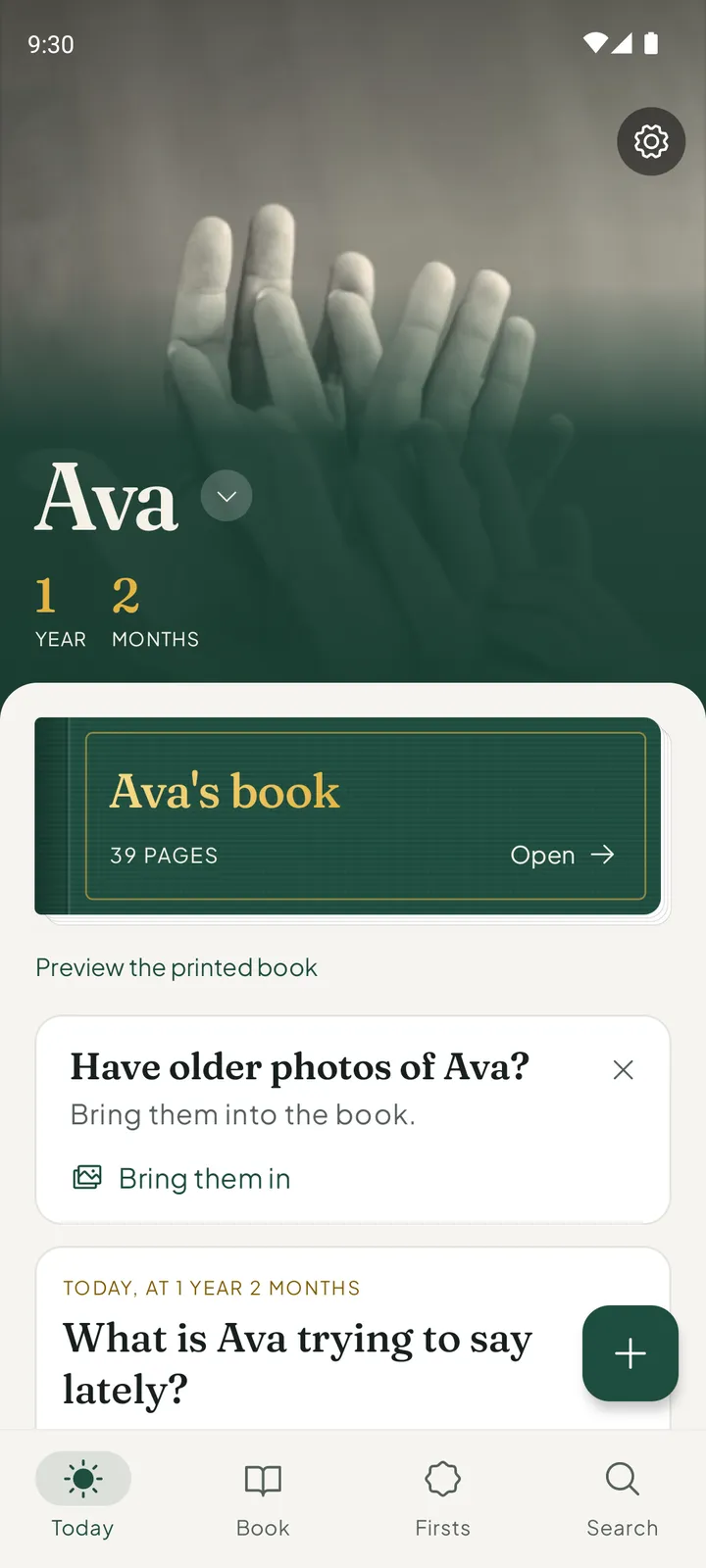
- Switch from Today. Tap the name on the cover to change whose book is open. The app takes that book’s colour, so it is obvious whose it is, and when you keep a page you can choose whose book it goes in.
- Ages are per child. The same family photo can be “2 years” in one book and “Newborn” in the other, because you keep it in each with the right context.
- A printed book each. The printed book is made from one child’s pages, so each child gets their own volume.
- One purchase. One book is free. Everkeep Pro adds a book for every child, for $9.99 once.
Already have a book for your first child? Adding a second book does not change anything about the first. Its pages stay exactly where they are.
How to set up multiple children in Everkeep
A minute per child; then just check whose book is open before you keep a page.
- Buy Everkeep ProIn Settings, open Everkeep Pro. It is one purchase of $9.99, and it adds a book for every child. One book is free.
- Add a book per childIn Settings, open the children and add a child. Enter each name and birthday, and give each book its own cloth so it is obvious whose is open.
- Switch before keeping a pageTap the name on Today’s cover to switch books, or choose whose book a page goes in while you write it.
- Keep shared moments in bothFor a photo of both children, keep it in one book, then in the other with a line written from that child’s point of view.
- Catch up the second childImport from your photo library to fill in the newborn weeks. Importing is free, and each photo is filed by that child’s age.
- Print a book for eachWith each child’s book open in turn, preview the printed book and make the PDF. Two children, two books.
Every child gets a bookA book for every child with Everkeep Pro, $9.99 once. Free to start on Android and iPhone.
Multiple children FAQ
How many children can I add?
One book is free. Everkeep Pro adds a book for every child.
Is Pro per child?
No. Everkeep Pro is a single purchase for the app, and it covers every book you make.
Can the same photo be in two children's journals?
Yes. Keep it in each book separately, ideally with a line written for that child. Each copy carries that child’s age and appears in their own printed book.