Everkeep vs Qeepsake
We can only speak for Everkeep. For Qeepsake’s current features, plans and prices, check its own site; here is where Everkeep stands on the things worth comparing.
| What to compare | Everkeep |
|---|---|
| How you add memories | One + button: a photo, a video, a voice note or a note, when it happens. |
| Prompts | One question on Today for your child’s age, and gentle reminders if you turn them on. No text messages. |
| Price | Keeping pages is free and stays free. Everkeep Pro is $9.99 once. |
| Where memories live | On your phone. No account. |
| The book | A printed book as a PDF you print anywhere (Everkeep Pro). |
| Voice | Voice notes are pages of their own, and can be written out as text on your phone. |
| Offline | Works offline. |
| More than one child | One book free; a book for every child with Pro. |
If you love being asked a question by text every day, Everkeep does not do that. It offers one question on Today, and reminders only if you turn them on. Our baby journal prompts guide gives you a question bank to use whenever you like.
What you keep, and what you give up
You keep: a book at the end, firsts and growth, a book for each child (with Pro), and a place to write. You gain: voice and video pages, a book that stays on your phone, offline use, and a fixed price. You give up: prompts by text message and printing ordered inside the app (Everkeep gives you a PDF and lets you choose the printer).
How to move from Qeepsake to Everkeep
Written entries and photos are both easy to bring across.
- Export your Qeepsake contentUse whatever export or download option Qeepsake offers to save your entries and photos before you leave.
- Install Everkeep and open a bookOpen a book with your child’s name and birthday. One book is free; Everkeep Pro adds a book for every child.
- Import photos by ageImport from your photo library. Everkeep files each photo under your child’s age on the day it was taken. Importing is free.
- Bring over the best written entriesPaste favourite answers into notes and set the day they were about. You do not need every entry; keep the ones you would put in the book.
- Build your own prompt habitAnswer the question on Today, use our prompts guide, or simply keep a page when something happens. Voice notes make daily entries painless.
- Print your book when readyPreview the printed book from Today. Everkeep Pro gives you the clean PDF to print at home or with any service.
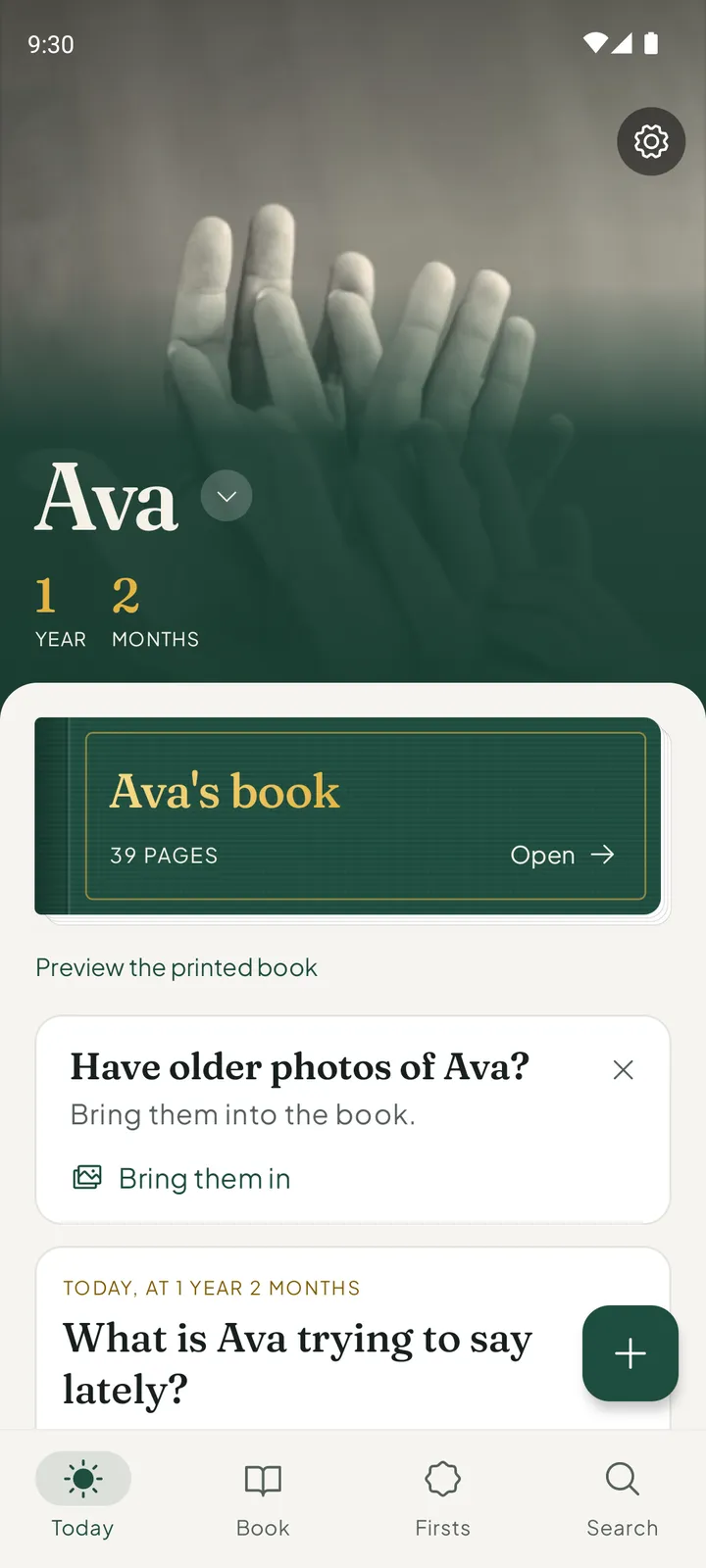
The book, without the billEverkeep is free on Android and iPhone. The printed book is part of Everkeep Pro, $9.99 once.
Qeepsake alternative FAQ
Does Everkeep send daily prompts by text?
No. Everkeep does not text you. Gentle reminders are notifications from the app, and they are off until you turn them on: one on each month birthday, or once a week.
Can I print a hardcover book with Everkeep?
Everkeep gives you a PDF, and you choose where to print it, including services that bind hardcovers. That lets you pick the paper and size yourself.
Is Everkeep affiliated with Qeepsake?
No. Qeepsake is a trademark of its owner. Everkeep is an independent app by Deximo Apps. This page describes Everkeep; for Qeepsake’s current features and prices, see its own site.