What “private” should actually mean
Many apps call themselves private because your feed is only visible to invited family. That is access control, not privacy. The photos still live on the company’s servers, are processed by their systems and are covered by a policy they can change.
A genuinely private baby journal app is different in kind:
- No account. There is nothing to log into because there is no server-side you.
- No sync by default. Photos, videos and voice notes are written to the phone’s storage and nowhere else.
- No analytics on your child. No tracking of what you record, when, or who is in the picture.
- Sharing is explicit and stripped. When you do send a moment to grandma, hidden location and camera metadata should be removed first.
- You can lock the app itself. A phone handed over to show one photo should not expose the whole journal.
How Everkeep keeps your journal on your phone
Everkeep keeps the book on your phone by design. There is no sign-up screen because there is nothing to sign up to. Your memories stay on your device, and Everkeep has no account, no ads and no social feed.
- Works offline. Keeping pages, reading the book and searching need no connection.
- App Lock. Lock the book with a PIN, fingerprint or face, and choose how soon it locks when you put the phone down.
- Deliberate sharing. Sharing a page goes through your phone’s own share sheet, to the app you choose. Everkeep can remove hidden photo details, such as the camera model and GPS coordinates, before it goes. There are no public links.
- A printed book made on the phone. The PDF is made on your phone and nothing is uploaded. You choose whether the date is printed on each page.
- Import that sees only what you choose. Everkeep never asks for your whole photo library.
- Backups you hold. A file you save wherever you trust. We keep no copy.
Honest note: Everkeep uses RevenueCat to confirm the one Everkeep Pro purchase with Google Play or the App Store. No photos, names or pages are part of that check.
How to set up a private baby journal in Everkeep
Five minutes of setup gives you a book that only you can open and that stays on your phone.
- Install and open the bookDownload Everkeep and add your child’s name and birthday. No email, phone number or password is asked for.
- Turn on App LockIn Settings, open App Lock. Set a PIN, add your fingerprint or face, and choose “Lock after inactivity”, for example one minute.
- Bring in only what you chooseWhen you import, you pick the photos and videos in your phone’s own picker. Everkeep copies those into the book and does not touch the rest of your library.
- Keep pages as usualUse the + button for a photo, a video, a voice note or a note. What you keep stays on the phone.
- Share deliberately, when you wantOpen a page, choose Share and pick the app. Leave “Include location” off unless you want the place sent along.
- Back up to a place you trustIn Settings, Backup and restore saves a backup file. Put it on a computer or a drive of your own. You control the copy.
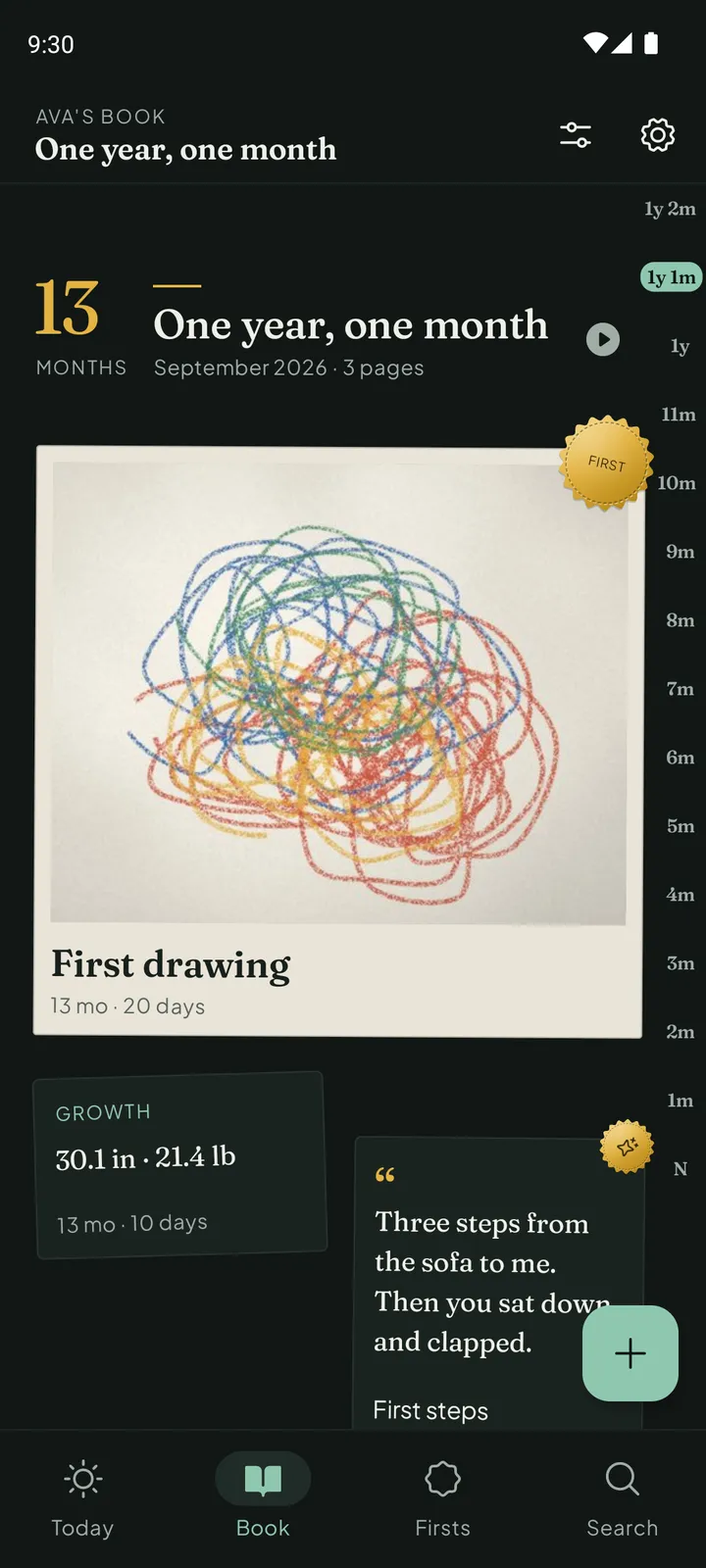
Private by design, not by promiseNo account. No ads. No social feed. Download Everkeep free on Android or iPhone.
Private baby journal FAQ
If there is no cloud, what if I lose my phone?
That is what backups are for. Save a backup file in Settings and store it somewhere safe, such as your computer or a drive of your own. On a new phone, install Everkeep and restore from that file. You are in charge of the copy, rather than trusting a company’s server.
Does Everkeep have ads or trackers?
No ads and no social feed. The one outside service is RevenueCat, used only to confirm the one-time Pro purchase.
Can grandparents follow along?
Not through a feed, by design. Instead, share single pages with them through the messaging apps you already use, or send them the printed PDF. They see exactly what you chose to send.