Why voice recordings matter more than another photo
You will have 4,000 photos of the first year. You will have very few recordings, and in ten years the recordings will be the ones that make you cry. Voices change monthly; the newborn cry, the six-month squeal and the toddler’s first sentence are three different children.
The reason parents do not record is friction: the voice memo app saves “New Recording 47” to a list you will never scroll, and there is no way to attach it to that day or that story. The fix is a baby journal that records voice as a memory with a date, an age, a title and a note.
What to record
- Babbling at 4, 6, 8 and 10 months: you will hear the language arriving.
- The laugh. Tickle, record, done.
- First words and the version before the word (“ba” for ball).
- Mispronunciations: “lellow”, “pasghetti”, “bagana”. Note what they meant.
- Songs they sing to themselves, especially wrong lyrics.
- Bedtime: you reading, them “reading” back.
- Your voice too. A short note to them on each birthday about who they are right now.
How Everkeep handles voice memories
A voice note is one of the things the + button offers, on every screen. The recording is kept as a page with a title, your words, the date and your child’s age, and it sits in that month’s chapter beside the photos. In the book, a voice note is a card that shows the shape of the recording. A page can also hold a recording together with photos, so the picture of the first ice cream comes with the sound of the first ice cream.
Everkeep can write a voice note out as text on your phone, for clips of up to about 75 seconds, so you can search for “dada” and find the recording. The audio never leaves the phone. The first five are free, and Everkeep Pro removes the limit.
Recordings are included in your backup file, and you can bring in voice memos you already have with Import.
How to record your baby's voice in Everkeep
From noticing the babble to having it kept, about twenty seconds.
- Press + and choose a voice noteRecord a laugh, a new word, a song. Hold the phone at a normal distance; there is no need to get close and distract them.
- Stop, listen back and title itStop when the moment passes and listen back. Give the page a title like “First real laugh” and a line about what set it off.
- Have it written out (optional)Turn on Audio transcription in Settings and download the speech model once. Everkeep can then write the note out as text, which lets Search find what was said.
- Mark a first word as a firstIf the recording is a first, mark it “This is a first”. It gets a foil seal and a place on the wall of firsts.
- Bring in older recordingsImport takes voice memos and audio files as well as photos and videos, and files them by your child’s age.
- Back it upRecordings are part of your backup file. Save one off the phone every few months.
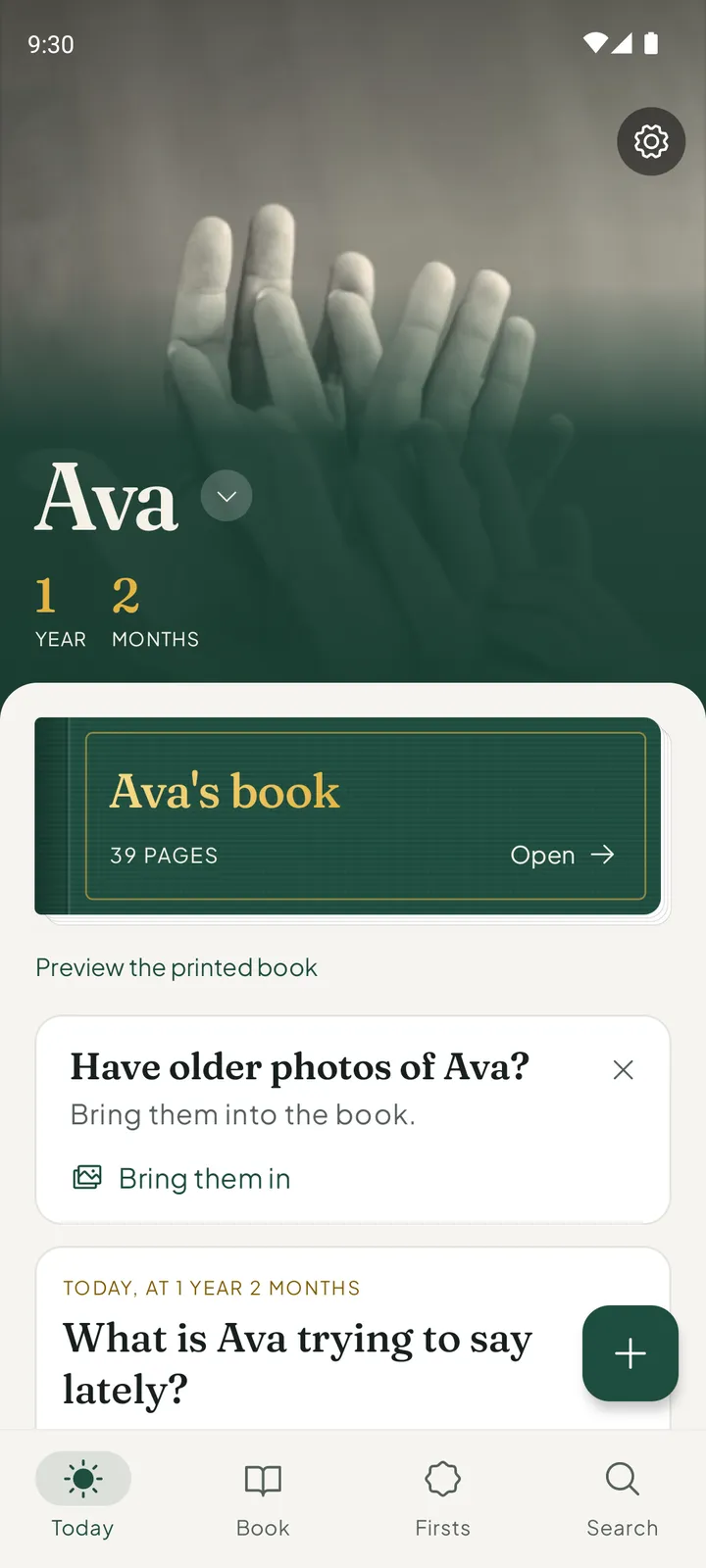
Keep the giggle, not just the grinKeep a voice note in a moment. Everkeep is free on Android and iPhone.
Baby voice recording FAQ
Is there a limit on how long a voice note can be transcribed?
Writing a voice note out as text is designed for short clips of about 75 seconds or less, which suits babbles, words and songs. A longer recording is still kept; it is just not written out.
Can I get the recordings out of the app?
Yes. Share a page through your phone’s share sheet, or save a backup file, which includes your recordings.
Is my baby's voice sent to a cloud service for transcription?
No. Transcription runs entirely on your device using a downloaded model. Nothing is uploaded.