Muto
Keeps a notification history longer than Android’s 24 hours and shows screen time. No internet permission, pay once.
See MutoEscondo encrypts your private photos, videos and files on the phone and locks them behind a pattern you draw. No account, no server, no internet permission: nothing leaves the phone. Forget the pattern and your 9 recovery words get you back in.
Free to start: 1 vault with room for 100 photos, 10 videos and 25 files. Android 8 and later.
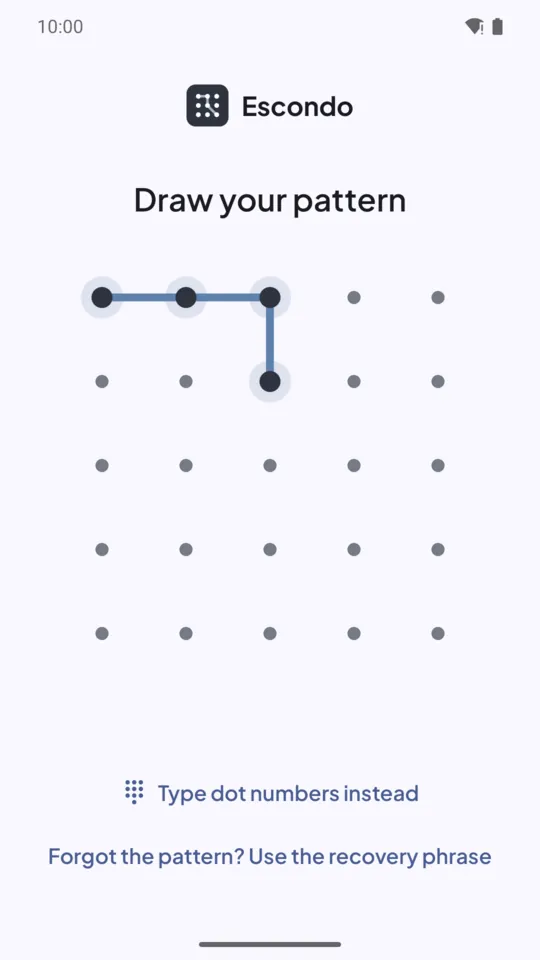
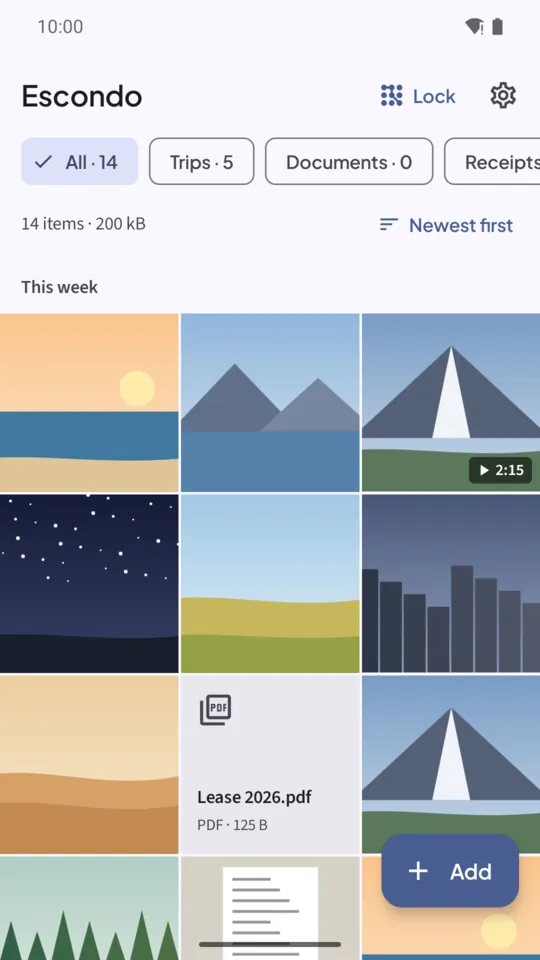

For Android 8.0 and later. Free: 1 vault with 100 photos, 10 videos and 25 other files, and export, backup and restore are always free. No sign-up, no email.
Pay once · no ads · no subscriptionThese are the screenshots from the Google Play listing: the vault, the pattern lock, decoy vaults, backups that open in a browser, the 9 recovery words and pay-once.
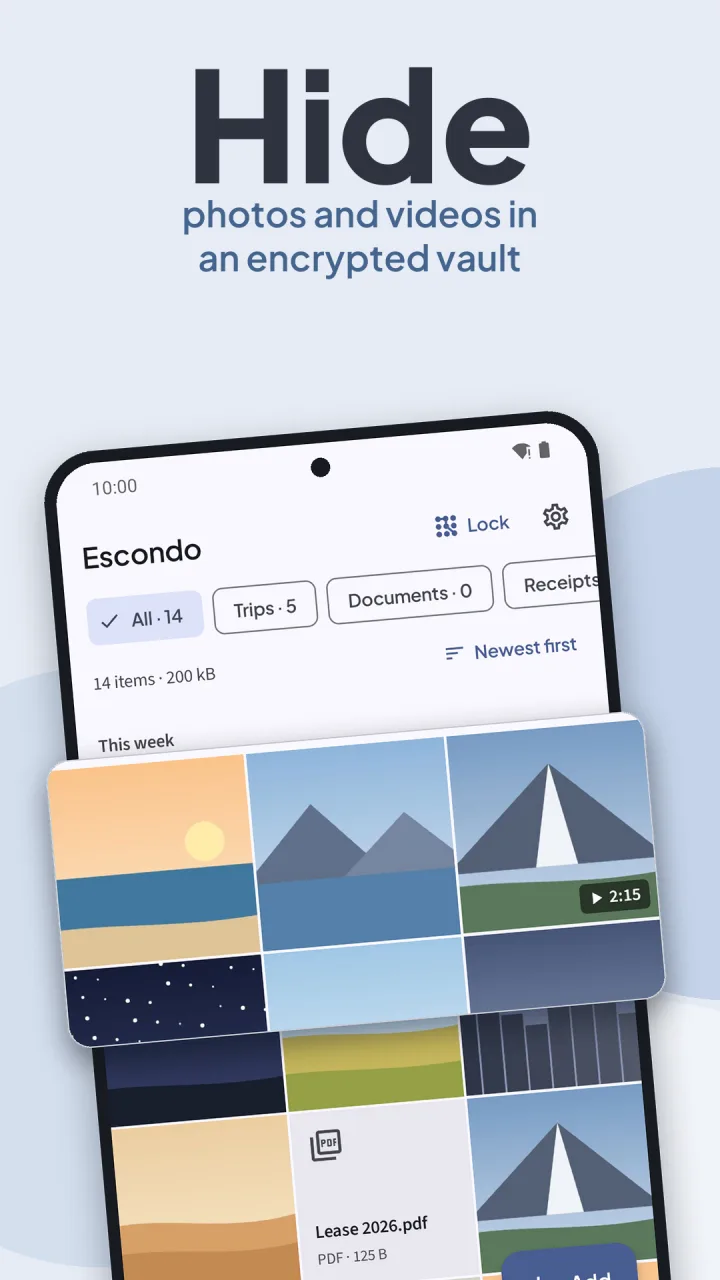
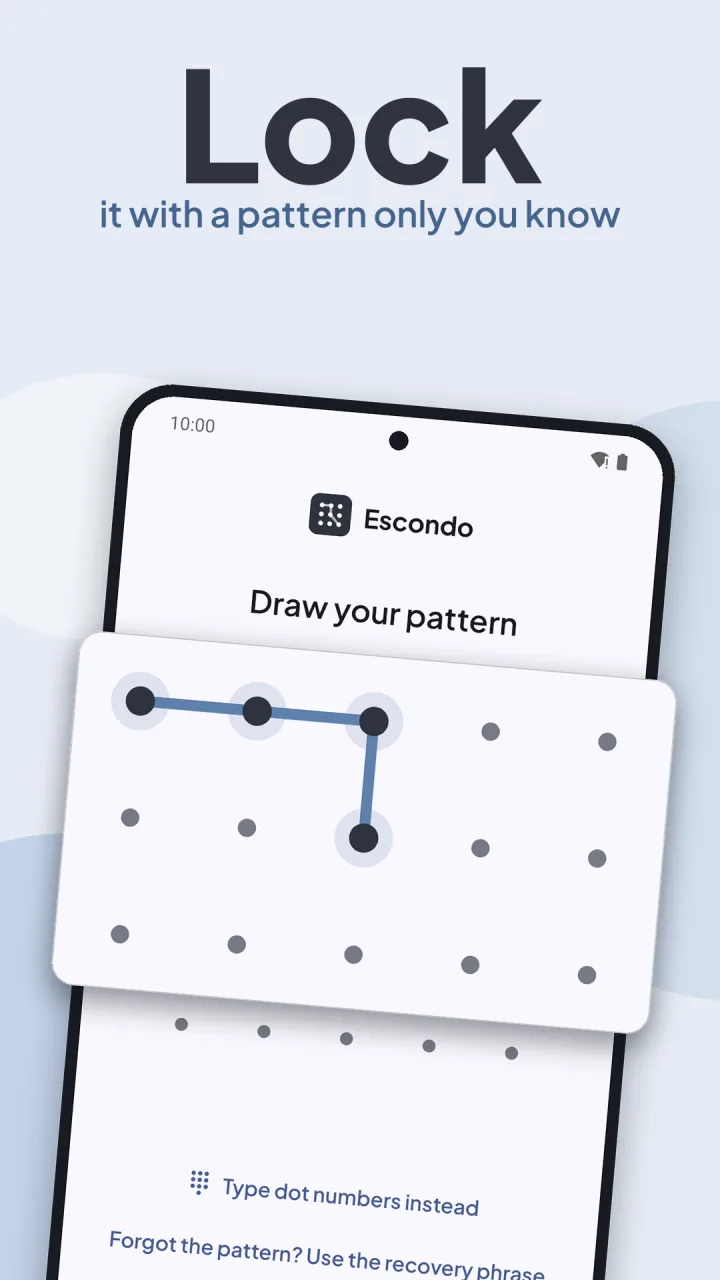
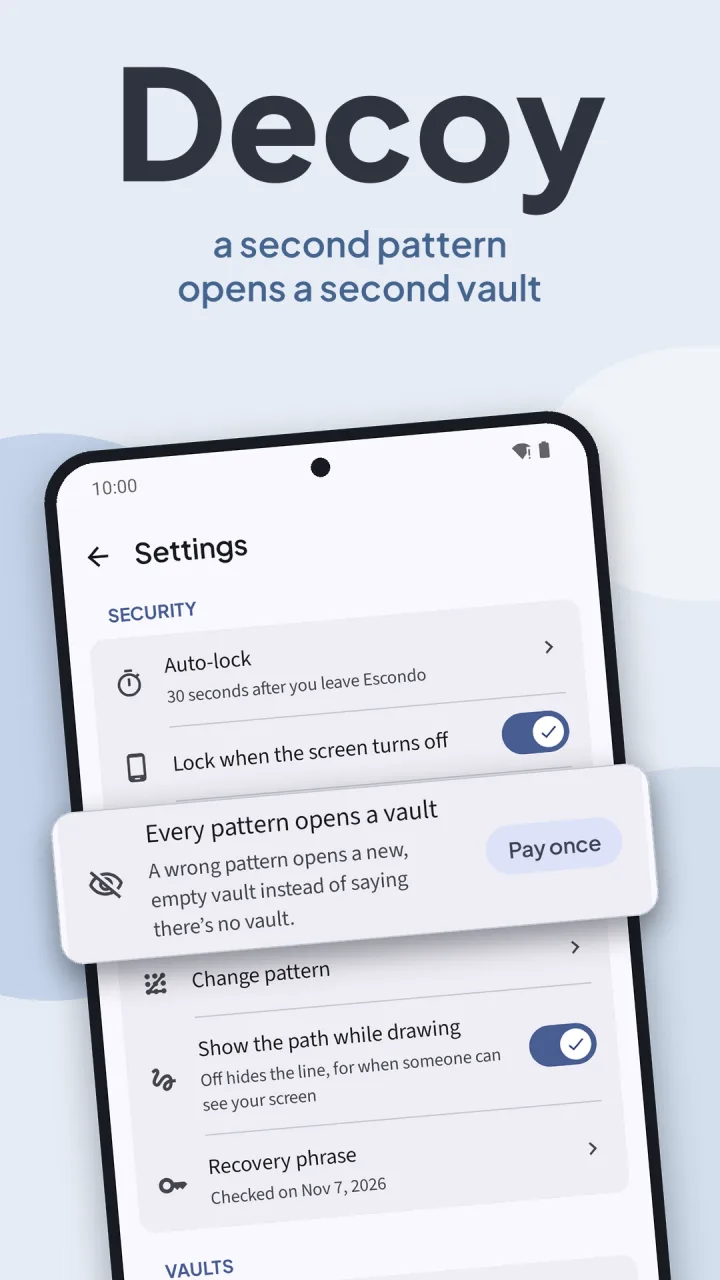
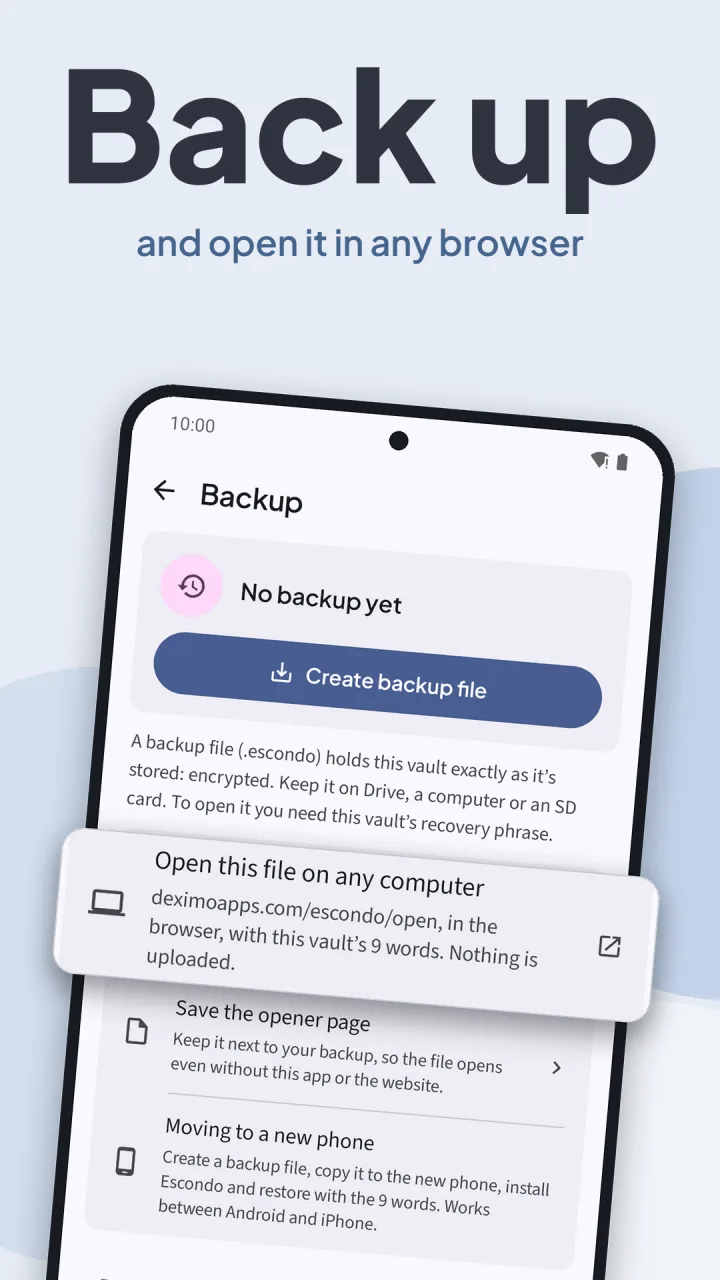
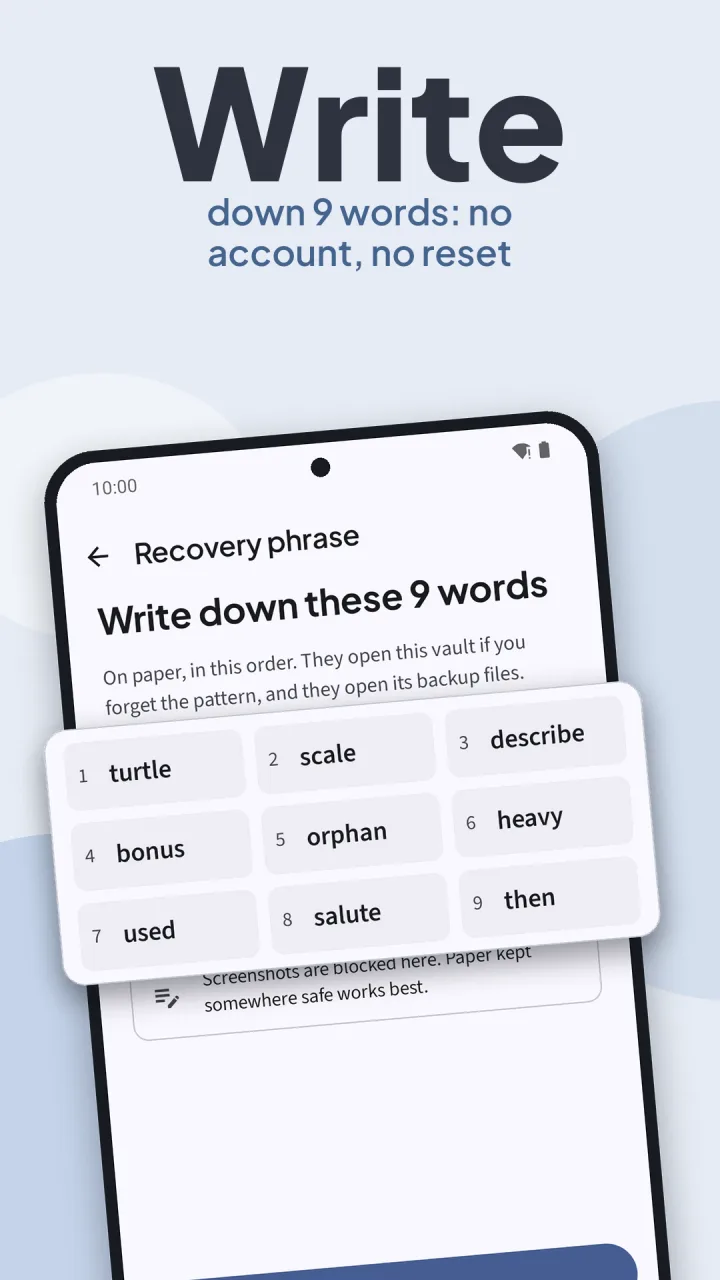
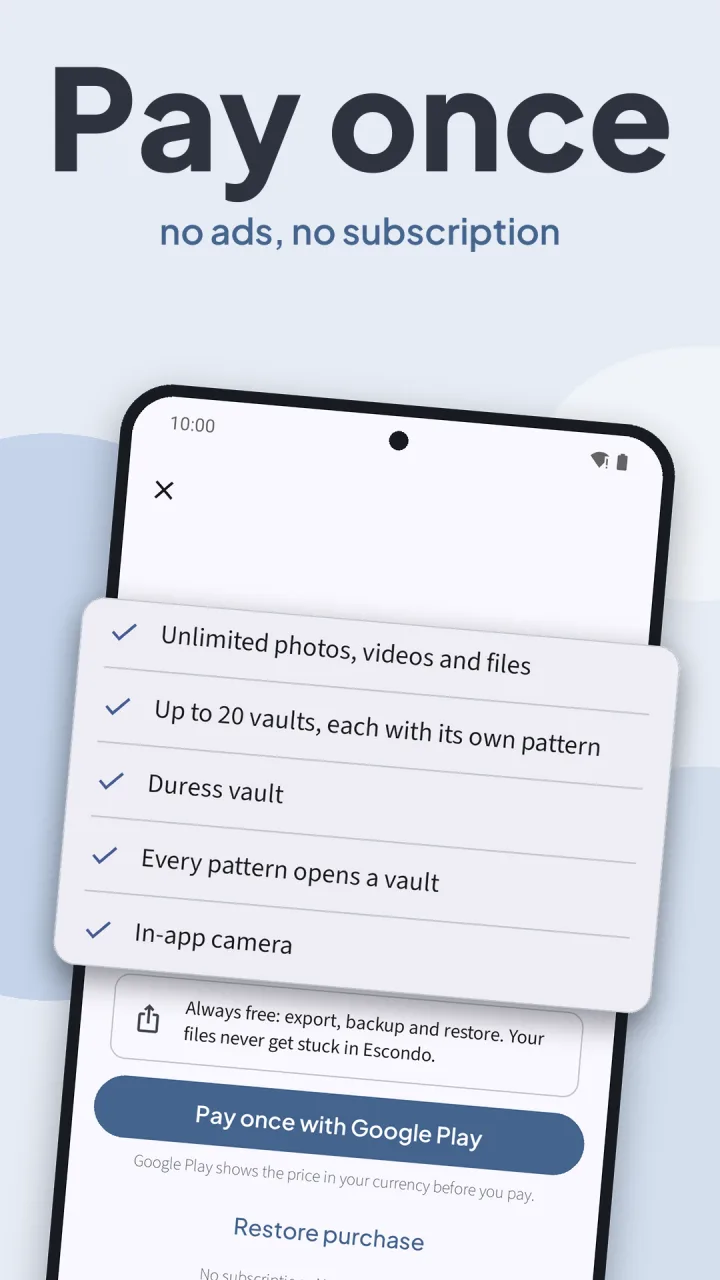
Draw a pattern, move photos in, back up and open the backup on a computer. The video loads from YouTube only when you press play.
No sign-up, no server. Escondo tells you the one thing that matters while you set up: the recovery words are the only way back in.
Choose a pattern on a 5×5 grid. Each pattern opens its own vault.
Escondo shows 9 recovery words when you create a vault. Put them on paper. They open the vault and its backups.
Everything is encrypted with AES-256 on the phone. Originals are kept untouched, with no quality loss. Move photos in and remove them from your gallery in one step.
Escondo locks 30 seconds after you leave the app (you can change it) and when the screen turns off.
A hidden folder only hides. Escondo encrypts every file, keeps it off the internet, and lets you leave with everything.
Every file is encrypted on this phone with AES-256. Without your pattern or your recovery words, nothing in the vault can be read.
The Android app has no internet permission, so nothing can leave the phone. No analytics, no crash reporter, no ads.
9 words open the vault and its backups. Lose the pattern and the words and the files are gone: nobody can reset them, not even us.
Export one file, a selection or everything to a folder. Backup and restore are free too. Nothing you put in the vault is held hostage.
One file you own. It moves between Android and iPhone and opens on any computer, in the browser, even without the app.
Each pattern opens its own vault. Pay once for up to 20 vaults, a decoy to show instead of the real one, and a duress vault that erases your other vaults the moment it opens.
Pay once for the mode where every pattern opens a vault. A wrong pattern opens a new, empty vault instead of saying there is none.
Screenshots are blocked and the recent apps card stays blank, so a glance at the app switcher shows nothing.
Pick from the photo picker, share from other apps, or add PDFs, audio and documents. Folders, sorting, multi-select, zoom and video seeking.
Create an encrypted backup file and restore it with your 9 words. It opens on any computer, in the browser, even without the app. Even if Escondo disappears, your photos don’t.
Escondo asks the phone for no network at all, so there is nothing to trust except the file on your phone.
The free version is a complete encrypted vault with no ads. Pay once to lift the limits; it never expires and never turns into a subscription. Google Play shows your local price.
A real encrypted vault, free of ads.
A one-time purchase that never expires.
How to hide photos on Android and iPhone, what to do if you forget your pattern, and how to open a backup on a computer.
Encrypt photos in a pattern-locked vault, move them out of the gallery in a few taps, then check what is left behind.
Read the guide →iPhoneMove photos out of Photos into an encrypted vault, then empty Recently Deleted so no original is left behind.
Read the guide →RecoveryOpen the vault with your 9 recovery words and draw a new pattern. What works, and what if both are lost.
Read the guide →PricingA complete free vault, always-free export and backup, and one pay-once purchase for the limits.
Read the guide →Straight answers about encryption, recovery, backups and what is free.
Encrypted. Every file is encrypted on this phone with AES-256, not just moved to a hidden folder. Without your pattern or your 9 recovery words, nothing in the vault can be read.
No. There is no account, no server and no sign-up. The Android app has no internet permission, so nothing can leave the phone. There is no analytics, no crash reporter and no ads.
Use the 9 recovery words Escondo showed when you created the vault: tap “Forgot the pattern? Use the recovery phrase” on the lock screen and draw a new pattern. If you lose both the pattern and the words, the files are gone. Nobody can reset them, not even us, and Escondo tells you so when you create the vault.
Yes, any time, for free. Export one file, a selection or everything to a folder. Originals are stored untouched, so there is no quality loss. Backup and restore are always free too.
A backup is one encrypted file. Open Escondo Open on any computer, choose the file and type your 9 words. It works with the network off and cannot send anything anywhere. The app can also save its own copy of the page next to your backup, so the backup still opens if this site is ever gone.
Each pattern opens its own vault. With the pay-once purchase you can set up a decoy vault to show instead of the real one, a duress vault that erases your other vaults the moment it opens, and a mode where every pattern opens a vault, so nothing shows which ones are real.
The free version has 1 vault with 100 photos, 10 videos and 25 other files, and no ads. Export, backup and restore are always free. Pay once for unlimited items, up to 20 vaults, decoy vaults, unlimited folders, the in-app camera, a duress vault and the every-pattern mode. It never expires and never turns into a subscription.
No. Android 10 and later can’t hide app icons, and a disguise is not a lock. Escondo protects your files with encryption instead, and blocks screenshots and the recent apps preview.
Yes. Escondo locks 30 seconds after you leave the app (you can change that, or lock right away) and when the screen turns off.
It is coming soon (iOS 18 and later). Escondo is on Google Play today for Android 8 and later. A backup moves between Android and iPhone, so you can bring your vault with you.
Free to start. Pay once to lift the limits. No account, no ads, no subscription.
Keeps a notification history longer than Android’s 24 hours and shows screen time. No internet permission, pay once.
See MutoFinds similar photos, bursts and old screenshots on Android. Photos stay on the phone.
See SparePixClipboard manager for Android that stays on this phone. No ads. No account.
See SoloclipOffline PDF tools for Android: merge, split, compress, OCR and more.
See ViaPDF