Sideways scans are a rotate job, not an edit job
Rotate PDF pages comes up the moment a scanner or a camera saves a landscape page into a portrait file. You should not need a drawing tool. You need the page turned 90 degrees, and you need the rest of the packet left alone if only one page is wrong.
ViaPDF’s Rotate tool does both. Rotate 90° left turns every page counter-clockwise. Rotate 90° right turns every page clockwise. Each thumbnail also has its own controls, and the caption shows the angle you have applied.
Get the angle right before you export
Thumbnails update as you rotate, so you can check a scan of a form before you send it. If a page goes too far, tap Reset and begin again. Reset clears every page.
A rotated scan is often a large photo. After it is upright, you may still need it small enough to email. That second step is compress a PDF on Android. If the words on the scan need to be copied, use OCR after the page is upright. Recognition is more reliable when the lines of text are horizontal.
A new file. Export writes Rotated.pdf. Your original scan stays where it was.
How to rotate pages in ViaPDF
- Open RotateOn Actions, tap Rotate and choose the PDF.
- Rotate every pageTap Rotate 90° right for clockwise, or Rotate 90° left for counter-clockwise. Tap again if you need 180 degrees.
- Or rotate one pageOn the page thumbnails, use that page’s rotate controls. The caption shows the degrees, such as 90°, so you can see which pages changed.
- Reset if you overshootTap Reset to clear every rotation and start again.
- ExportViaPDF writes Rotated.pdf. Share or Save it. The first export is free. The file you opened is not overwritten.
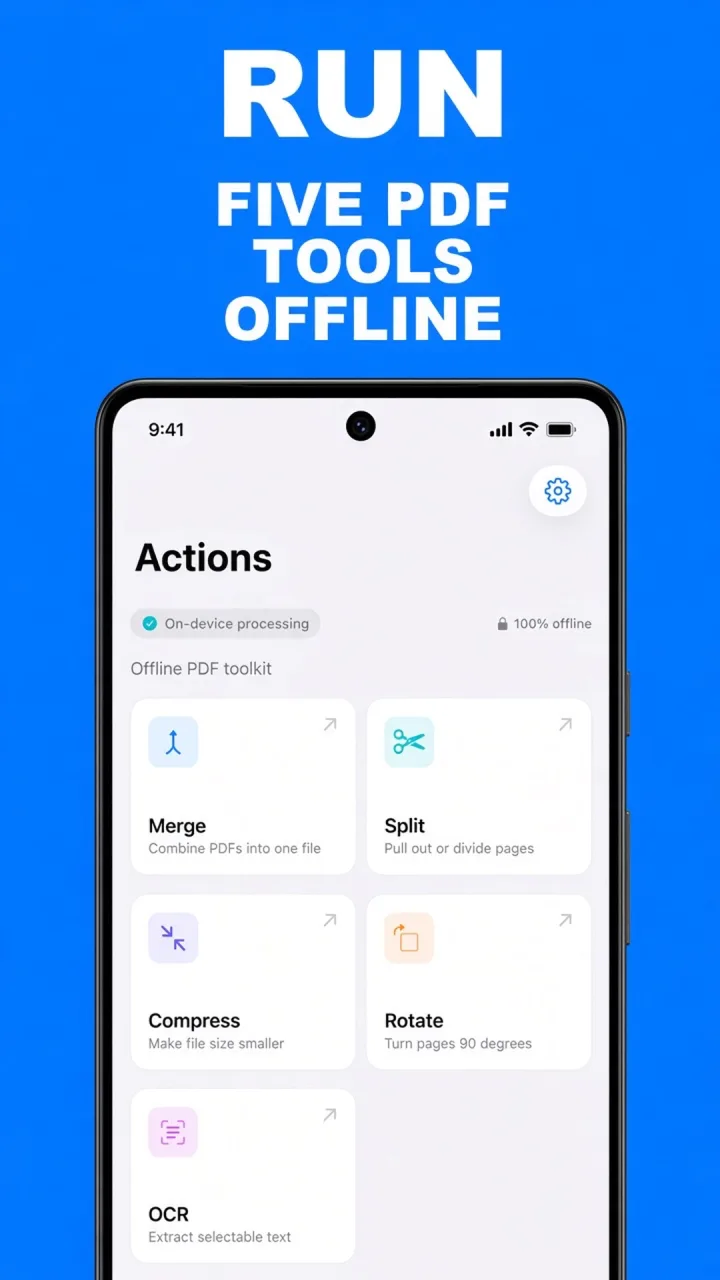
Do this job on your phoneFree to download. The first export is free. Then $14.99 once. The file stays on the device until you share it.
Rotate PDF pages FAQ
How do I turn a page upside down?
Tap the same 90° control twice. 90 + 90 is 180 degrees.
Can I rotate only one page in a packet?
Yes. Leave Rotate all pages alone and use the controls on that thumbnail.
Does rotating upload the scan?
No. Rotation runs on your phone. The new file leaves the device only when you Share or Save.