A scan is a picture until something reads it
OCR a scanned PDF means turning that picture back into words. You want to find “invoice 1042” inside a stack of scans, or paste a paragraph, or hand someone a PDF their reader can search. Printing it and typing it is the slow version.
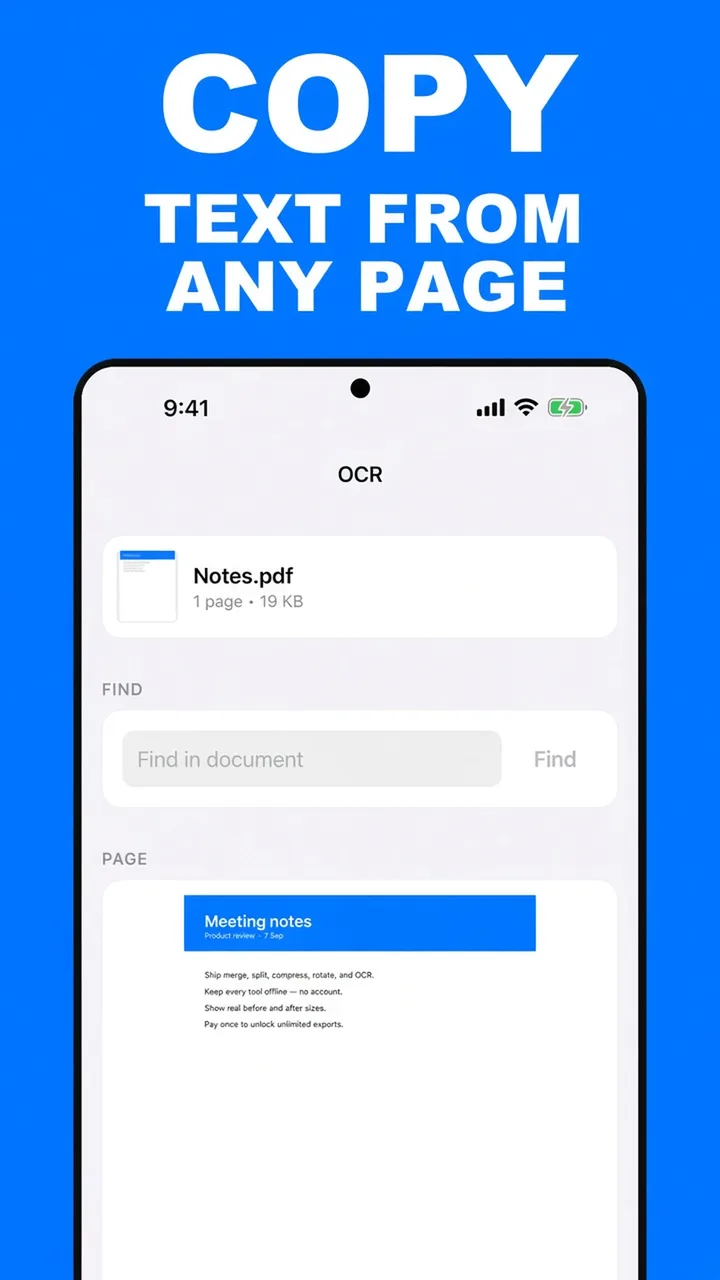
ViaPDF reads the page on your Android phone. When the file is only an image, the tool labels the result Recognized text. You can copy it, search it, and save a new PDF that contains the words. When the file already has a text layer, you see Text layer instead, and you can copy that directly. Copying without saving a new file is covered in copy text from a PDF.
Make the scan easier to read
- Rotate sideways pages upright first. See rotate PDF pages.
- Read the recognized text before you send a figure or a name from it.
- Save searchable PDF when the words need to travel inside the file, not only on your clipboard.
OCR here is for getting text out and writing a searchable copy. It does not redesign the page or convert the PDF into a different office format.
Heavy jobs confirm first. OCR on more than 50 pages asks you to continue because it may take a while. Over 200 pages, or over 250 MB, the file is refused.
How to OCR a scan in ViaPDF
- Straighten the page first if it is sidewaysIf the scan is rotated, use Rotate so the lines of text are horizontal, then come back to OCR. Recognition has an easier time with upright text.
- Open OCR and choose the scanTap OCR, then Choose PDF.
- Check recognized textA picture of a page is labeled Recognized text. Read it before you trust a number or a name. A page that already has real text is labeled Text layer instead.
- Find a word across the documentUse Find in document to jump to pages that contain the word.
- Save the searchable PDFTap Save searchable PDF. ViaPDF writes Searchable.pdf with the recognized words. That export is free the first time.
Do this job on your phoneFree to download. The first export is free. Then $14.99 once. The file stays on the device until you share it.
OCR a scanned PDF FAQ
Does OCR work without internet?
Yes. Recognition runs on the phone. A long scan is slower, and ViaPDF asks you to confirm OCR jobs over 50 pages.
Will it read handwriting?
It is meant for printed text on a page or a scan. Treat the recognized text as something you check, especially on faint copies or unusual fonts.
What are the size limits?
Files over 250 MB and documents over 200 pages are refused. OCR over 50 pages asks you to confirm because it can take a while.