Why Samsung silences reminders
One UI saves battery by putting apps you don’t open often into sleep. A sleeping app can’t ring on time: its reminder waits until you open the phone, or never comes. That’s the most common complaint about every reminder app on Samsung, and it isn’t the app’s fault.
Three settings decide whether reminders ring on time:
- Battery: the app must be Unrestricted, and not in Sleeping apps or Deep sleeping apps.
- Alarms & reminders: the app needs this special access to ring on the exact minute.
- Notifications: they must be allowed for the app, and for its reminder channel.
Fix it for any reminder app
- Settings > Apps > choose the app > Battery > Unrestricted.
- Settings > Battery > Background usage limits: make sure the app isn’t under Sleeping apps or Deep sleeping apps. Add it to Never sleeping apps.
- Settings > Apps > choose the app > Alarms & reminders: allow it (on some versions it’s under Special access).
Menu names change a little between One UI versions. If you can’t find one, type it in the search box at the top of Settings.
How Insisto sets it up on Samsung
- Open Insisto’s setupThe first time you open Insisto, Make sure it rings lists four switches. Later, it’s in Settings > Permission check-up.
- Allow NotificationsNeeded to show a reminder at all. Tap Allow in settings.
- Allow Alarms and remindersSo the first ring lands on the minute, not “sometime after”.
- Battery: not optimizedTap Show me where (Samsung). Insisto opens the right screen: App info > Battery > Unrestricted.
- Do Not Disturb (optional)Only for reminders that ring like an alarm, so they still ring when Do Not Disturb is on.
- Test it nowTap Test it now, lock the phone and wait. A real test reminder rings in 10 seconds.
If a reminder still comes late
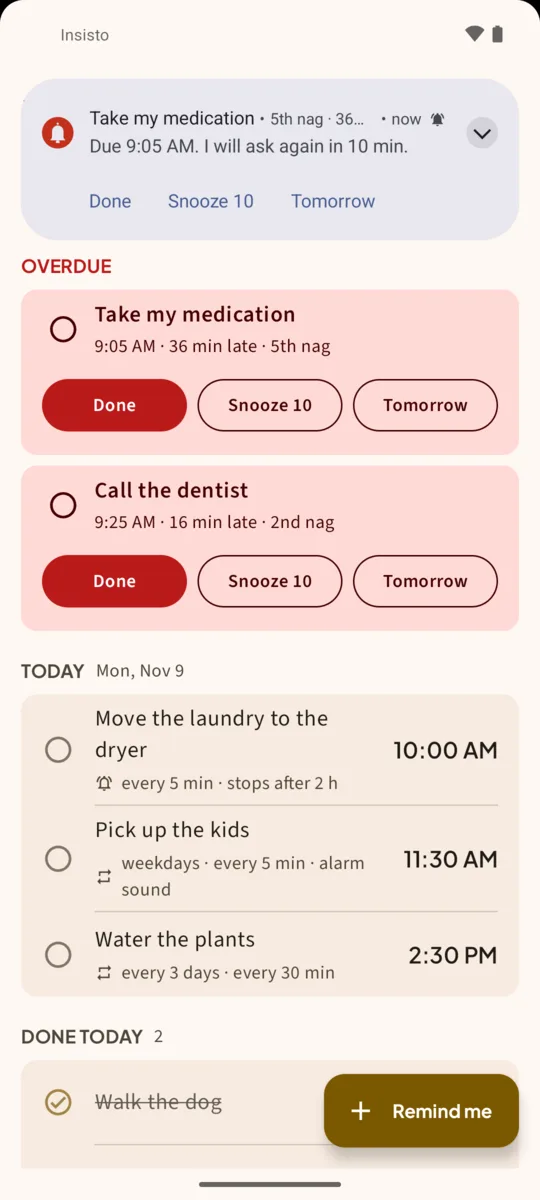
Insisto notices when the phone stopped it. If reminders rang late, Today shows a banner, “Your phone stopped me”, with how many rang late and an Open setup button. Settings shows Reminders may be late or silent with a Fix button when a switch is off.
- Check the app is still Unrestricted. Some updates and device care tools reset it.
- Turn off Put unused apps to sleep in Background usage limits, or keep Insisto in Never sleeping apps.
- If you use a power saving mode, test again with it on.
Why the test matters. You only find out a reminder failed when it’s too late. A 10-second test with the phone locked is the only way to know it works on your phone today. Run it again from Settings > Send a test reminder in 10 s after a big system update.
One notification is easy to swipe away.Insisto rings on time, then every few minutes until you tap Done. Free for 3 nagging reminders; unlimited is a one-time purchase, and Google Play shows your local price.
Reminders on Samsung: questions
Why do my Samsung reminders only show when I unlock the phone?
The app is asleep or battery-optimized, so Android delays its alarm until the phone wakes. Set it to Unrestricted and add it to Never sleeping apps.
Does this fix other reminder apps too?
Yes, the battery and Alarms & reminders steps apply to any app. Insisto also asks again until you tap Done, so a reminder you miss comes back.
Do I need to do this again after an update?
Usually not, but a big One UI update or a device care cleanup can change it. Insisto’s banner and Settings warning tell you if reminders rang late.
Does Insisto drain the battery?
No. It doesn’t run in the background between reminders; Android wakes it at the exact time for each ring.