What Samsung already gives you
Samsung clipboard history lives in the keyboard toolbar. Unpinned items last on the order of a day — longer than Gboard’s hour — and you can pin inside that drawer. For many people that is enough.
It falls down when you need last Tuesday’s tracking number, a search box, snippet folders, or a history that is not tied to one keyboard app’s cache.
Use Soloclip beside Samsung Keyboard
Keep Samsung for Hangul, swipe, and daily typing. Add Soloclip as a second IME. Copy into History when the Soloclip keyboard is on, or share a selection into the app. Search later from the History tab. Nothing uploads.
A practical split
- Samsung drawer: the last few copies today
- Soloclip pins: Wi-Fi, addresses, replies you reuse
- Soloclip search: “what did I copy from that email”
- Use Samsung Clipboard for the last few hoursToolbar → clipboard icon. Pin inside Samsung if you only need it until tonight.
- Install Soloclip for anything you might search tomorrowHistory is independent of Samsung Keyboard’s drawer.
- Enable the Soloclip keyboard when you want capture or insertYou can leave Samsung as the default for typing.
- Share text into Soloclip from Samsung Internet or MessagesWhen you do not want to switch IME.
- Pin staples in Soloclip ProThey will still be there after Samsung has dropped the unpinned list.
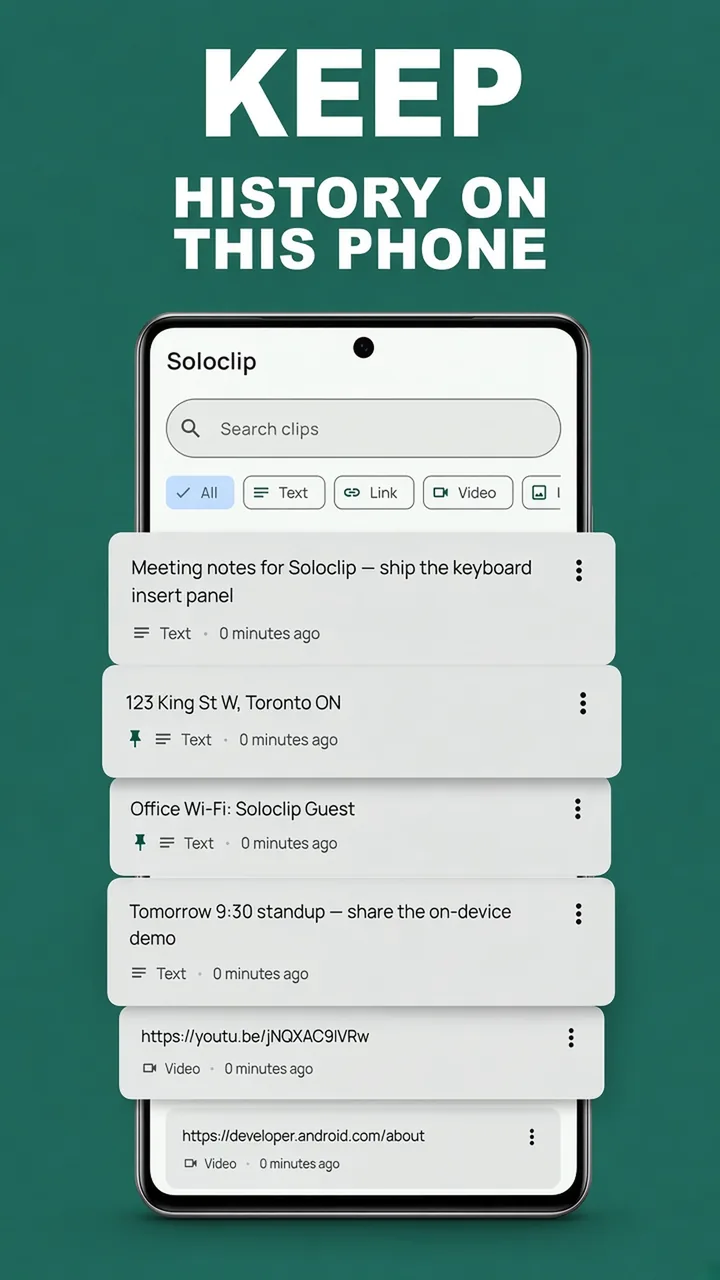
Keep clipboard history on this phoneFree to download. Last 25 clips free. Then $3.99 once. No ads. No subscription.
Samsung clipboard history FAQ
Where is clipboard on a Galaxy phone?
Open a text field, show the Samsung Keyboard toolbar, tap the clipboard icon or More → Clipboard.
Does Soloclip replace Samsung Keyboard?
No. Type with Samsung. Switch to Soloclip to insert a saved clip or to capture.
Does this need a Samsung-only API?
No. Soloclip is a normal Android app + IME. It runs on Galaxy and Pixel.