Clipboard history is a keyboard feature, not an Android setting
When people search clipboard history Android, they usually mean “show me what I copied an hour ago.” The operating system holds one current clip. History lives in Gboard, Samsung Keyboard, or SwiftKey — or in a dedicated manager.
Gboard
Tap a text field. On the toolbar, open the menu and choose Clipboard. Turn it on the first time. Recent copies appear for about an hour unless you pin them. There is no full-text search across weeks of copies.
Samsung Keyboard
Enable the keyboard toolbar, tap the clipboard icon (or three dots → Clipboard), and pin what you need. Unpinned items last on the order of a day, which is better than Gboard and still not a manager.
The Android 13+ preview chip
After you copy, a small chip can appear for a few seconds so you can edit or share that one clip. It is not history.
If the built-in list is empty, the clip is gone from the keyboard. A manager only keeps what it captured going forward. Install it before the next important copy.
When you need more than the keyboard drawer
Use a clipboard history app when you reuse the same address every week, when you copy research in chunks, or when you want search. Soloclip stores text on this phone, lets you search History, and inserts from its keyboard. It does not upload clips and does not use Accessibility.
How to keep clipboard history in Soloclip
Capture is honest: keyboard, app focus, share-in, or add manually. That is the reliable path on Android 10 and later.
- Install SoloclipGet it on Google Play. Open the app. There is no sign-up.
- Turn on the Soloclip keyboardSettings in the app opens system input methods. Enable Soloclip, then switch to it from the keyboard picker.
- Copy as usualCopy text in Chrome, Messages, or Maps. When Soloclip is the active keyboard (or the app is focused), the clip lands in History.
- Open History to see the listSearch from the top field. Tap a card to copy it again.
- Pin what you cannot afford to loseUnlock once to pin clips and keep them past the 30-day cleanup of unpinned items.
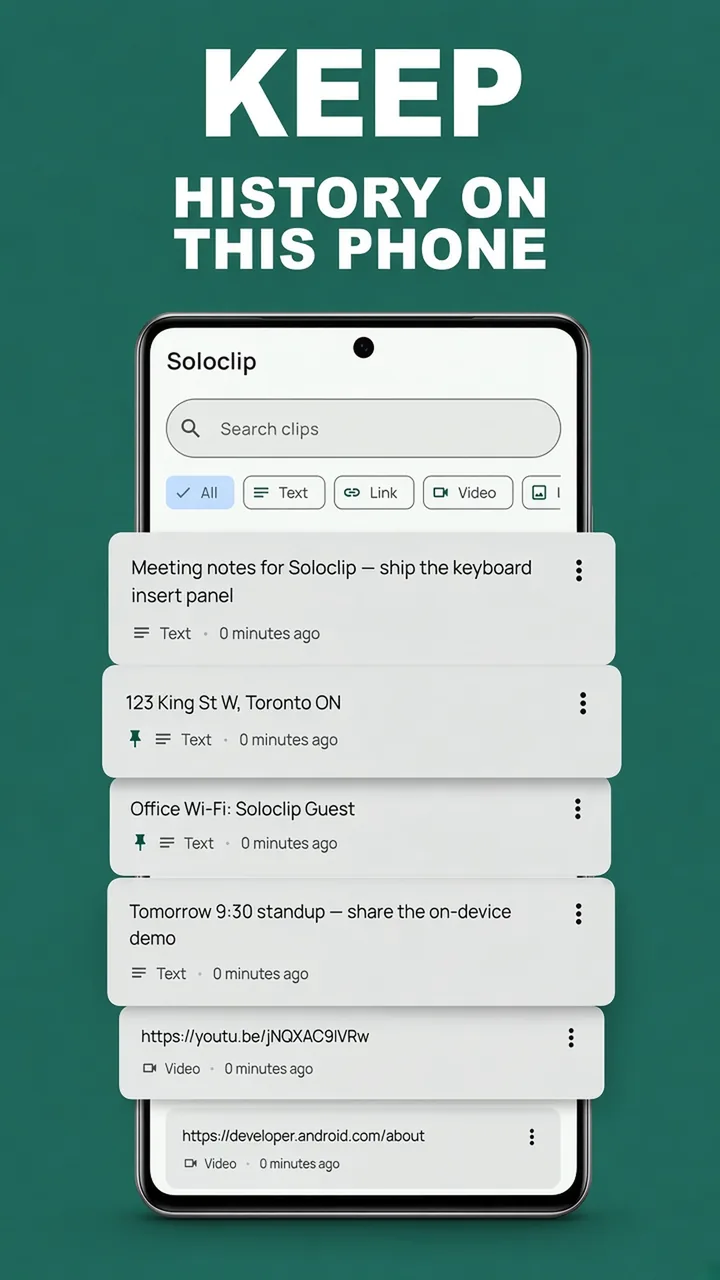
Keep clipboard history on this phoneFree to download. Last 25 clips free. Then $3.99 once. No ads. No subscription.
Clipboard history Android FAQ
Where is clipboard history on Android?
Open a text field, then tap the clipboard icon on your keyboard toolbar (Gboard, Samsung, or SwiftKey). That is a short, keyboard-owned list — not a full history app.
Why did my copied text disappear?
Gboard drops unpinned clips after about an hour. Samsung keeps them closer to a day. The next copy also overwrites the system clipboard.
Can I search clipboard history?
Built-in keyboards generally cannot. Soloclip search runs on the clips stored on this phone.