Gboard is a drawer. Soloclip is a history.
Gboard clipboard history is a short list above the keys. It is fast. It is also designed to forget. Unpinned clips last about an hour. Pins stay, but you will not search a month of copies there.
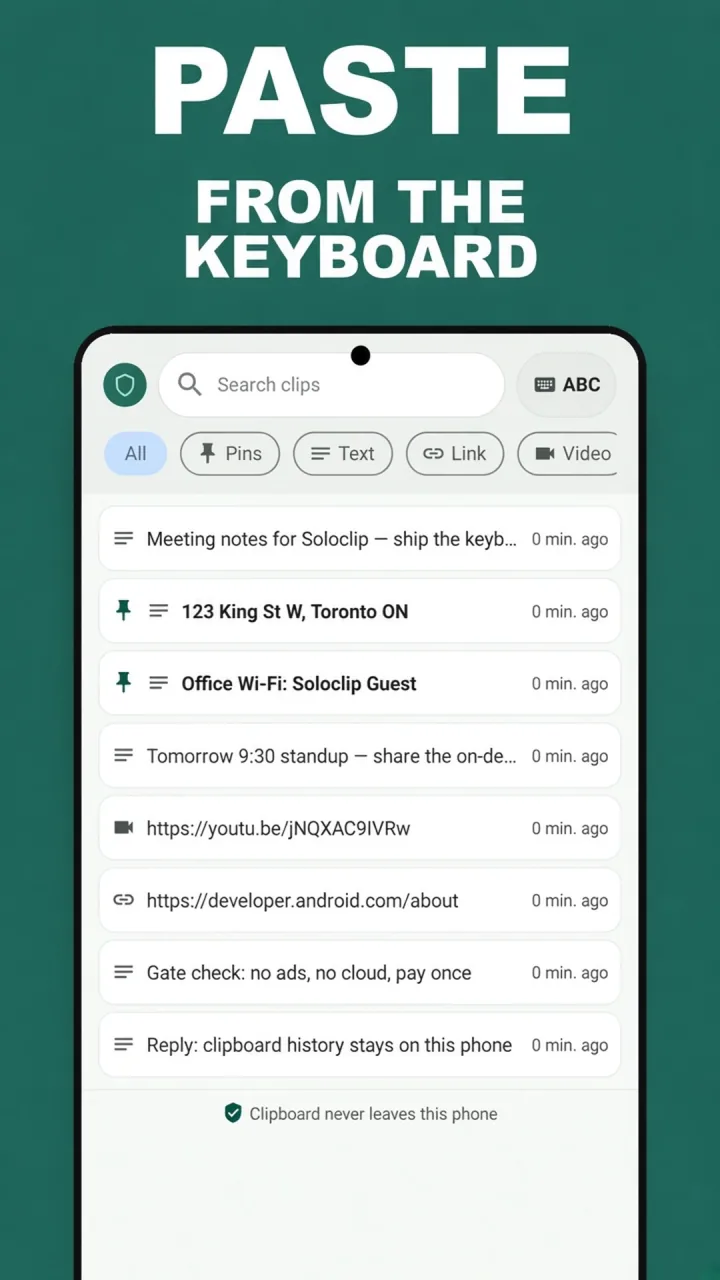
Soloclip keeps text clips in an on-device database you can search. Default cleanup for unpinned items is 30 days. Pins never auto-clear. That is the fix for “Gboard ate it.”
Use both
Leave Gboard clipboard enabled for the copy you will paste in this sitting. Put anything that must survive the commute into Soloclip — share-in, Add clip, or capture while the Soloclip IME is selected.
After the hour is up
If the clip was only in Gboard, it is gone. If Soloclip had it, open History and search.
- Turn Gboard clipboard onToolbar → Clipboard, enable it, pin anything you need in the next hour.
- Install Soloclip for anything past that hourSearchable history on this phone, last 25 clips free.
- Switch to the Soloclip keyboard to capture or insertThen switch back to Gboard to type.
- Pin long-lived snippets in SoloclipThey do not follow Gboard’s one-hour rule.
Keep clipboard history on this phoneFree to download. Last 25 clips free. Then $3.99 once. No ads. No subscription.
Gboard clipboard history FAQ
How do I open Gboard clipboard?
Tap a field, open the toolbar menu, tap Clipboard, enable if asked.
Can I make Gboard keep clips forever?
Only by pinning inside Gboard, and even then you get a small pin list, not search.
Do I uninstall Gboard?
No. Soloclip is a second keyboard plus an app. Gboard stays for typing.