What “private clipboard manager” should mean
It should mean: no account, no sync of clip bodies to a vendor, no ad network, and a capture story you could explain to a security-minded friend. A private clipboard manager that uses Accessibility to watch every field is asking for a god-permission in exchange for convenience.
Soloclip stores text in an on-device database. Android Auto Backup is off. Uninstalling removes local data. You can wipe from Settings. You can export JSON or CSV if you want a file you control.
Sensitive clips
Bank OTPs and password-shaped strings should not live in a history list. Soloclip excludes OTP-like 4–8 digit codes (when that setting is on) and keeps password-like clips for at most five minutes. Onboarding discloses this. Do not pin a password anyway.
Share and export are you leaving the device. The app does not upload. If you AirDrop a CSV, that file is your choice.
Lock it down in Settings
Keep auto-clear OTP on. Set retention for unpinned clips (default 30 days). Enable the keyboard only as an input method — it is an insert panel, not a keylogger of Gboard.
- Install with no accountThere is nothing to sign up for. History is a local database.
- Read the capture disclosureOnly keyboard, focus, share-in, and manual add. No background sniffing.
- Leave OTP auto-clear onOne-time codes are excluded or expire within minutes. Do not pin secrets.
- Export or wipe on your termsJSON/CSV export is a file you hold. Wipe all deletes the local database. There is no server copy.
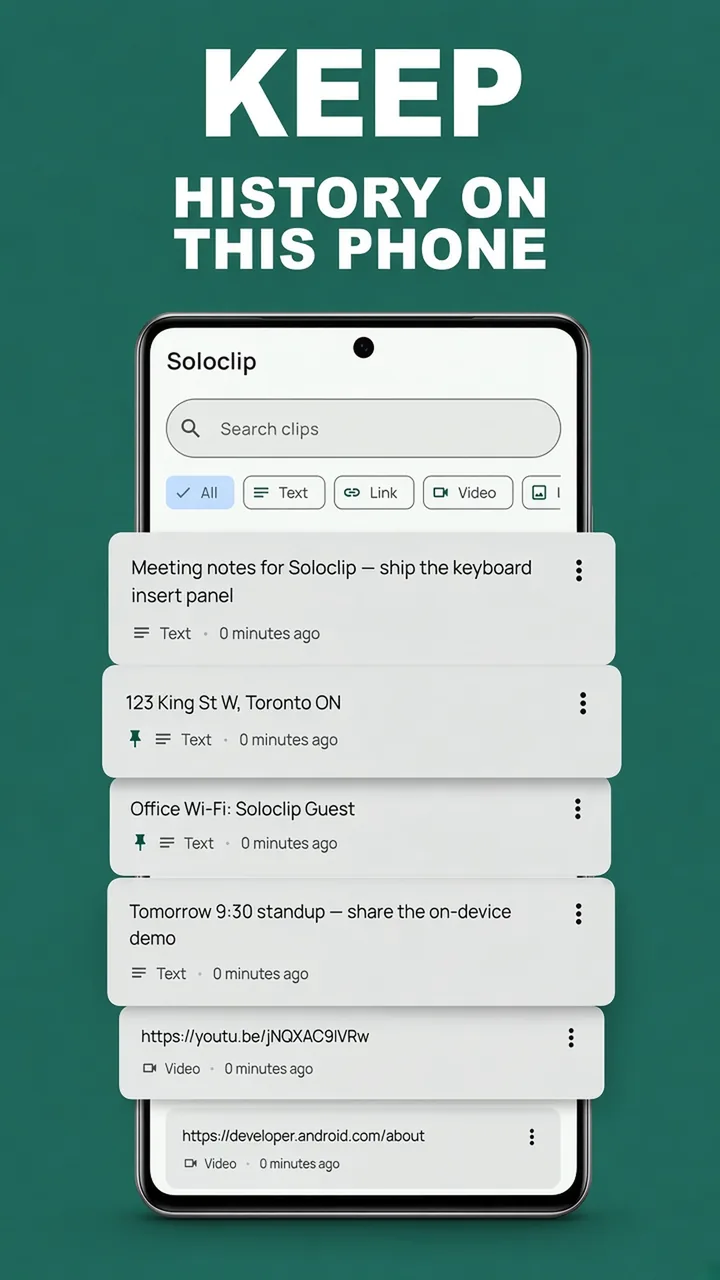
Keep clipboard history on this phoneFree to download. Last 25 clips free. Then $3.99 once. No ads. No subscription.
Private clipboard manager FAQ
Does Soloclip upload my clipboard?
No. Contents are processed on-device. A clip leaves the phone only if you copy it into another app or share an export yourself.
Is there an account?
No.
What about one-time codes?
OTP-like 4–8 digit codes and password-like text are excluded or kept ≤5 minutes. They are not stored permanently.