Offline means the clips are not on a server
An offline clipboard manager is not a grayed-out premium feature. It is the architecture: Room database on the phone, no Deximo backend for clip bodies. If you have no signal, History still opens.
That is also why there is no “clipboard on all my devices” switch. Cross-device sync would be a cloud product. Soloclip is not that product.
What still uses the network
- Installing or updating from Google Play
- The one-time Play Billing unlock and restore
There is no analytics SDK and no ad SDK in the privacy policy. Clipboard contents are not uploaded.
Use it without a signal
After setup, airplane mode is a non-event. Capture still follows the same four paths. Insert still uses the IME. Wipe and export still work.
- Install while you have a signalGoogle Play needs a connection. After that, the APK is on the phone.
- Enable the keyboard onceInput methods are a system setting. No login.
- Copy, search, and insert with airplane mode onHistory is local. Insert does not call a server.
- Unlock when you have Play accessThe one-time purchase talks to Google Play. After restore, Pro stays on the device.
- Export if you want a file you holdJSON or CSV via the system share sheet — still your choice, still not a Deximo upload.
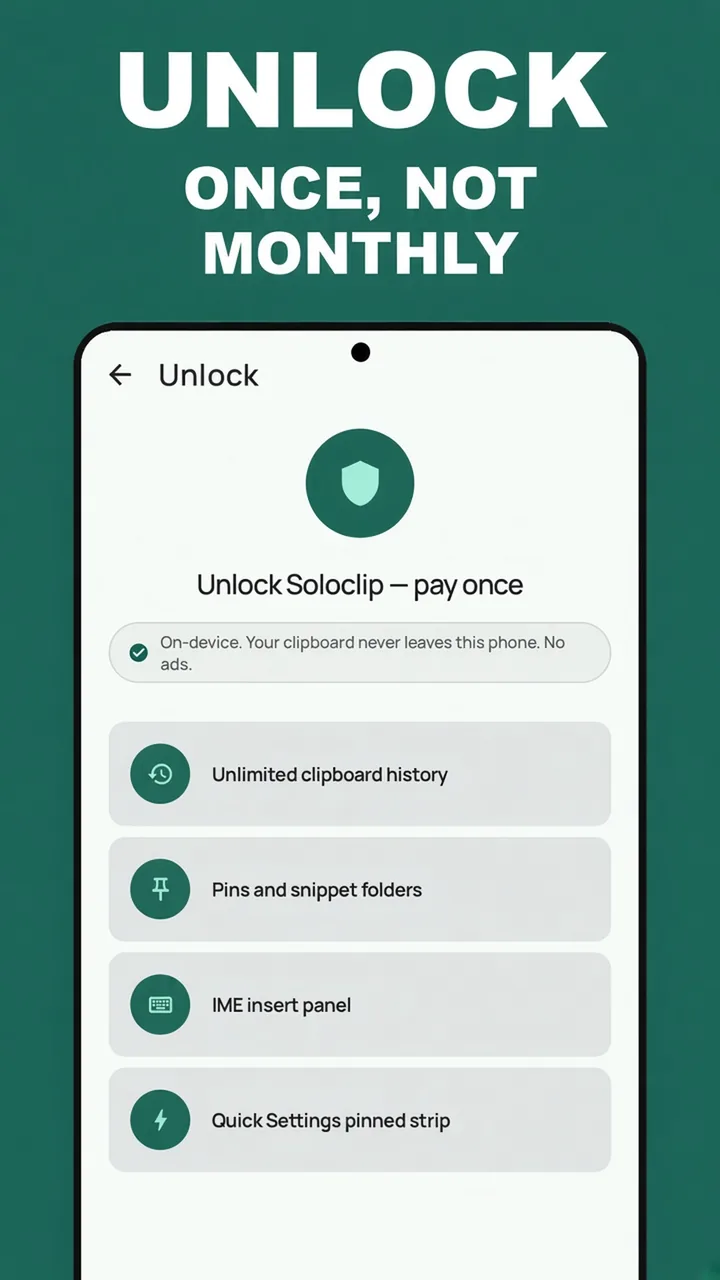
Keep clipboard history on this phoneFree to download. Last 25 clips free. Then $3.99 once. No ads. No subscription.
Offline clipboard manager FAQ
Does search work offline?
Yes. Search is on-device.
What requires internet?
Downloading the app, and confirming or restoring the Play purchase.
Is there cloud sync if I turn it on?
No. There is no sync feature to enable.